The attendee app
Confpagnon
Confpagnon is the web app built for your attendees, used at our conferences, such as FWD DATA and the AI Product Day. See all features.
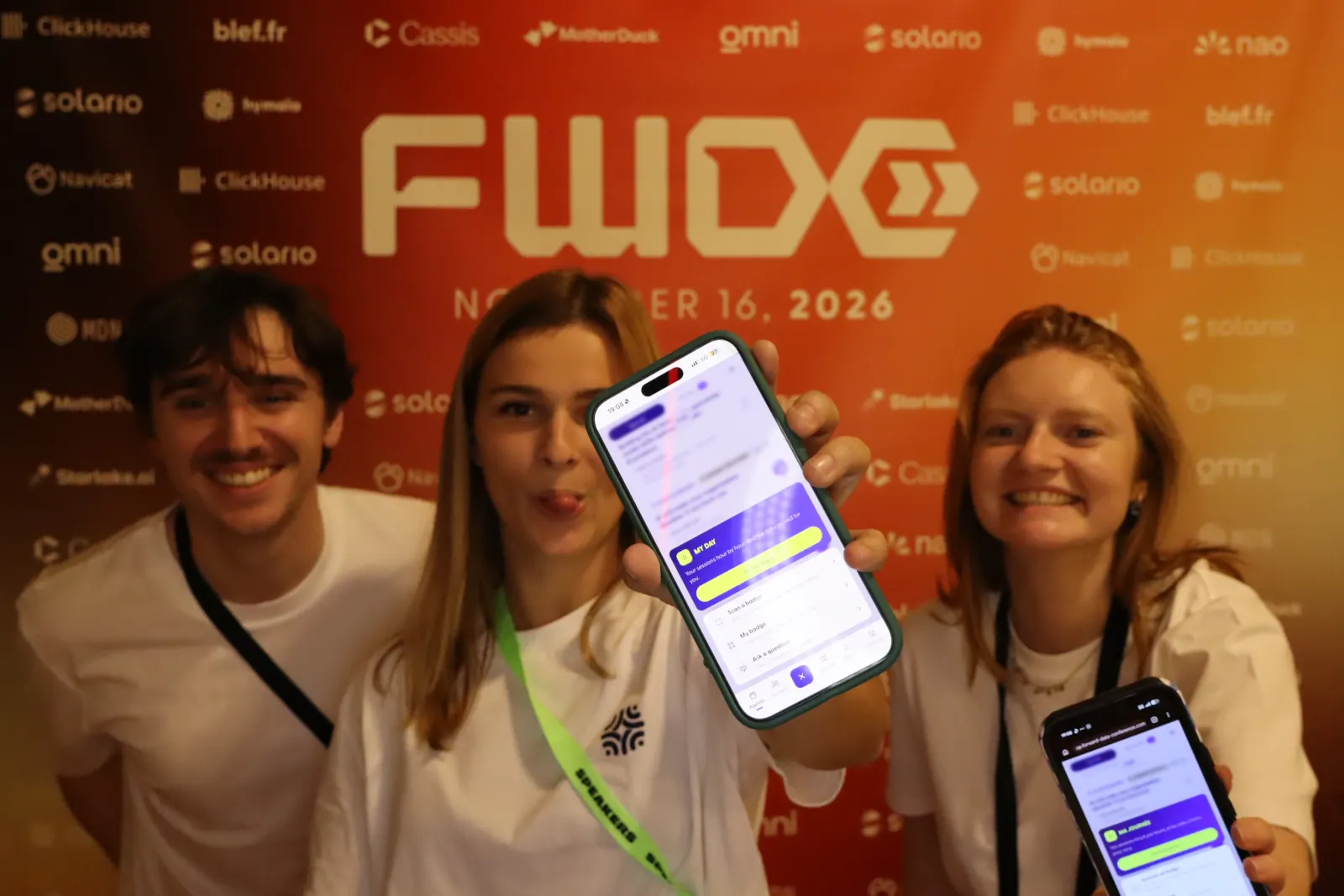
Attendee app, self-service check-in, badges, ticketing and automatic translation: the experience we built for FWD DATA, now available to event organizers.
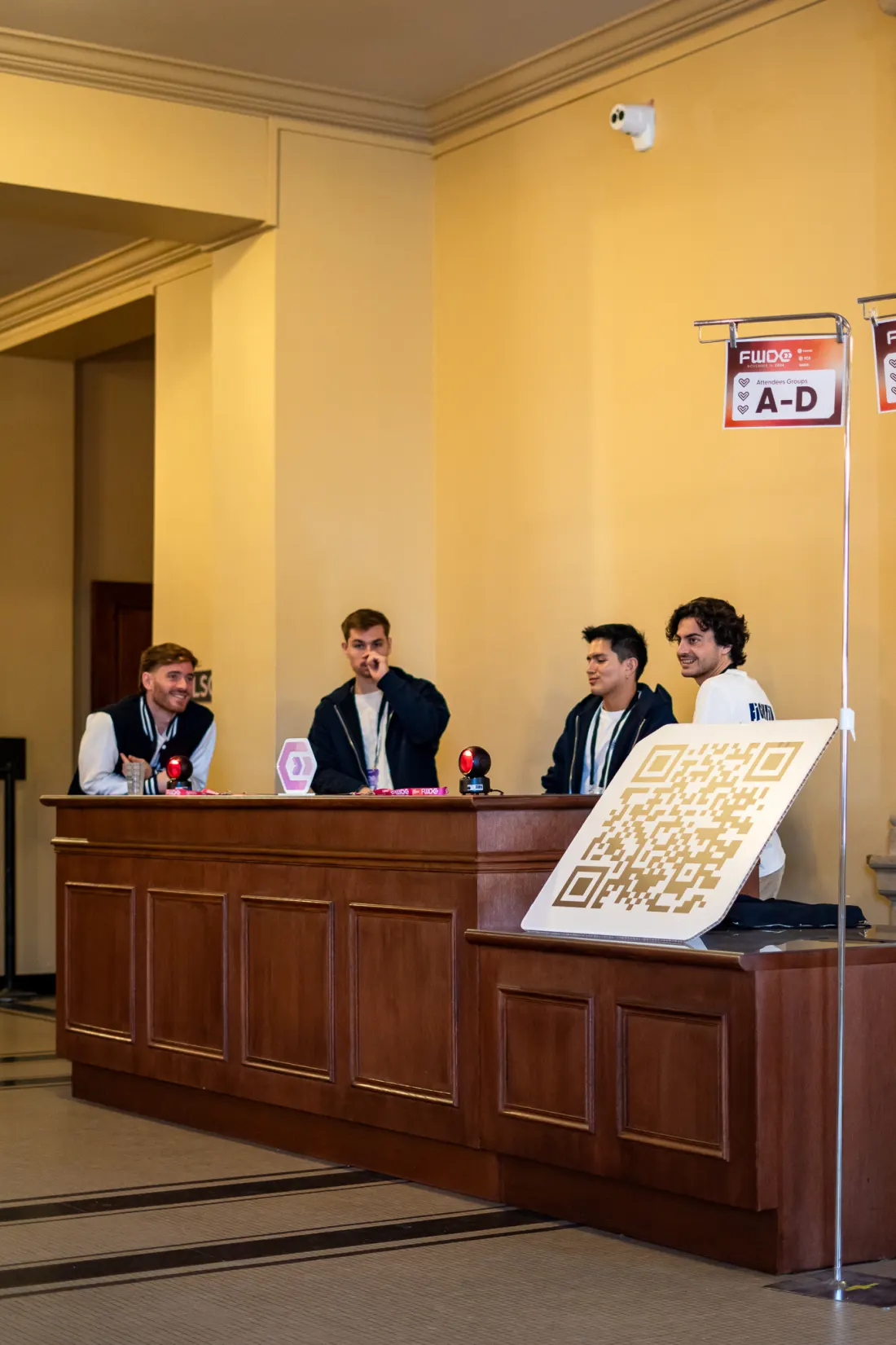
We learn from our experience and we want to share it. The attendee experience designed for FWD DATA 2026 is now offered to event organizers, in the Hymaïa Conference Pack.
The pack was proven at FWD DATA 2026, our Data & AI conference: more than 500 attendees, 3 in 4 of whom used the app on the day.
Usage figures on the day of FWD DATA, November 16, 2026.
Confpagnon is the web app built for your attendees, used at our conferences, such as FWD DATA and the AI Product Day. See all features.
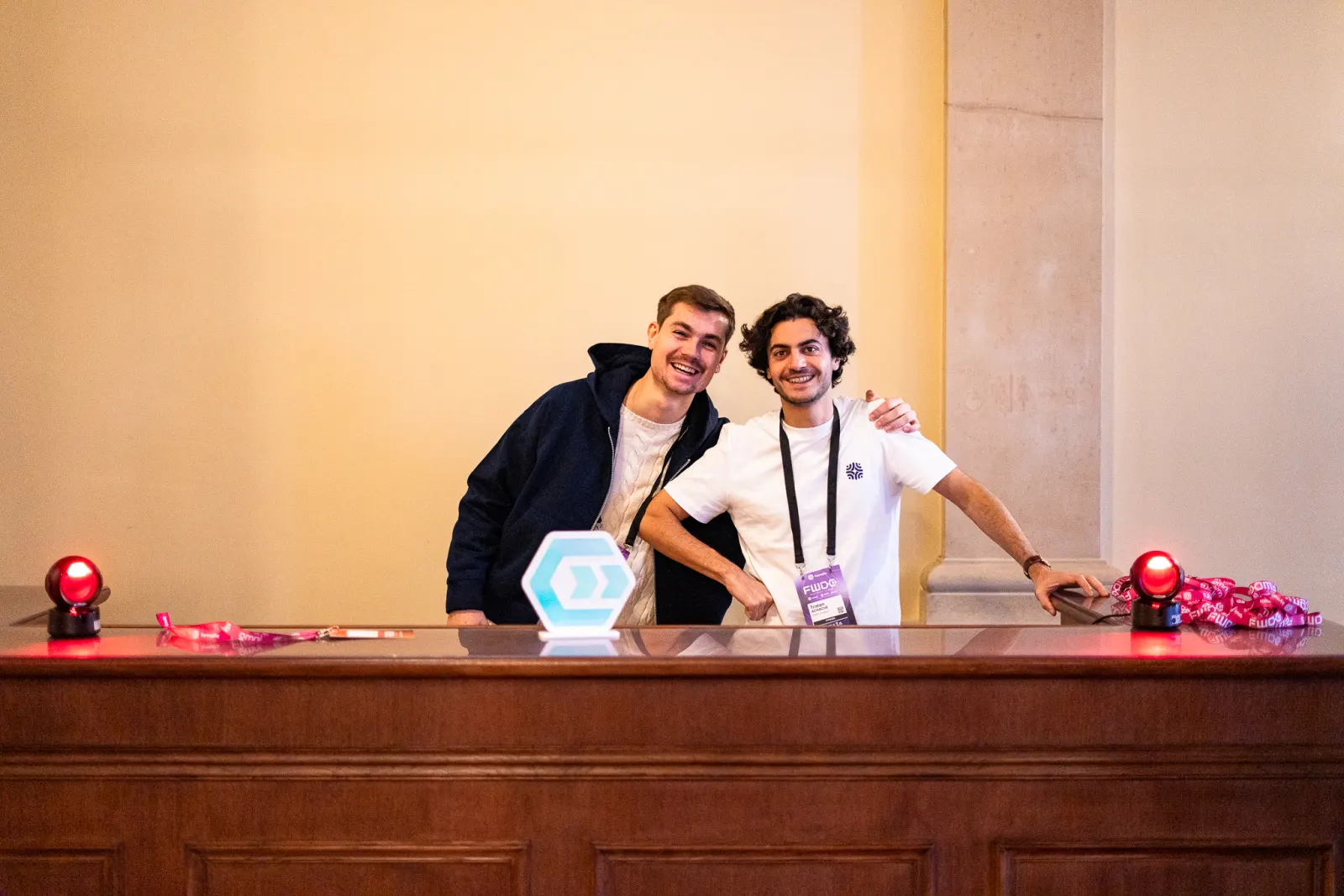
Scanners with a supervision app, for a self-service check-in that makes entry smoother. See the supervision.
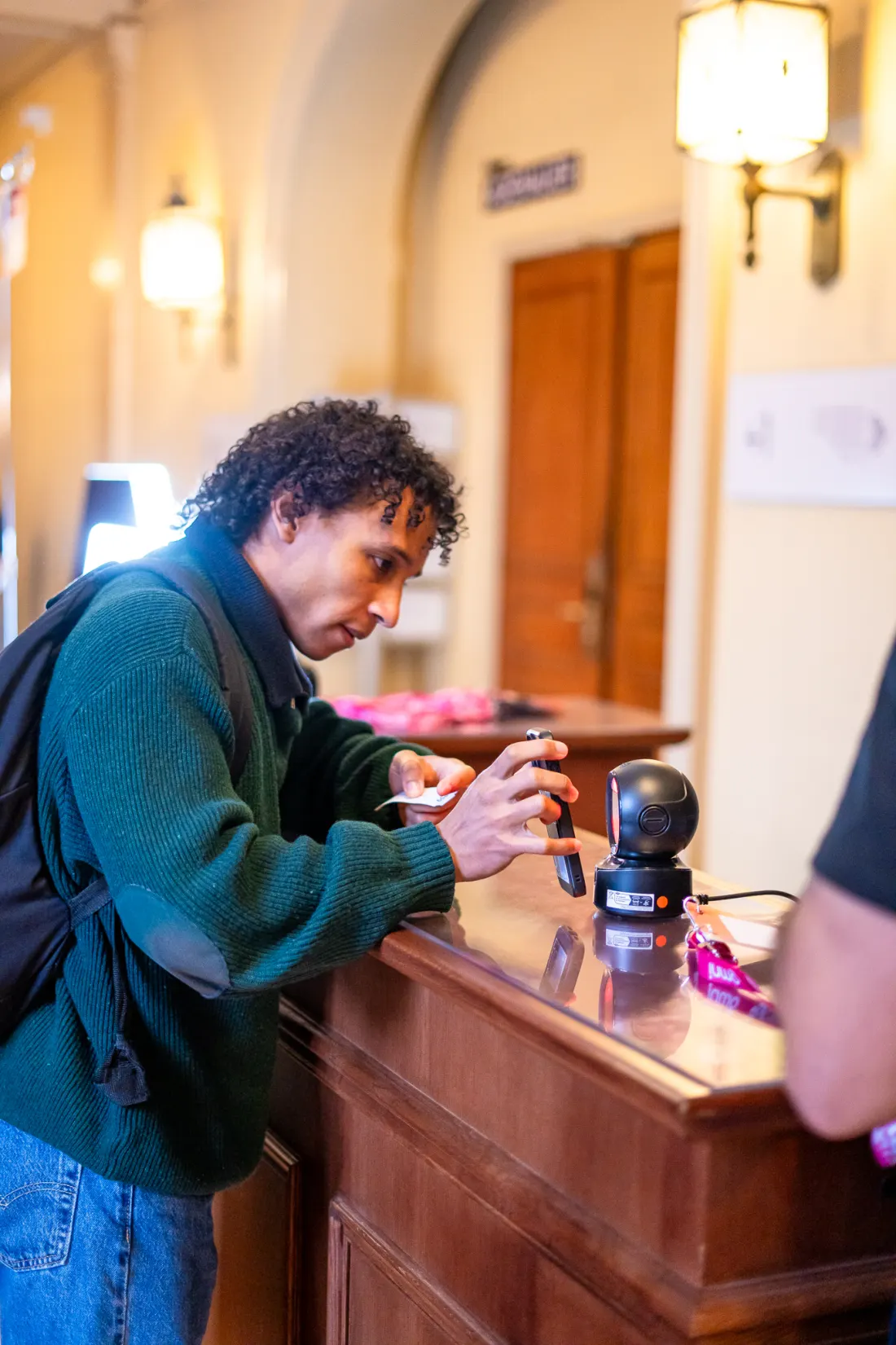
Each station pairs a scanner with a printer: attendees scan their ticket and leave with their badge. At every print, the attendee is flagged in the ticketing platform. The system works with or without a network.

The pack integrates with any ticketing platform: tickets are imported into Confpagnon, and attendees link their account to their ticket by scanning it or typing its number. Their display name, role and company are then taken from the ticket.
Papagaia, the augmented parrot for your conferences: live translation and subtitling, so speakers can talk in their own language and every audience can follow, including people who are hard of hearing. Subtitles appear on a separate remote screen, next to the presentation, one complete sentence at a time for even easier reading. A glossary and AI correction make technical vocabulary reliable (acronyms, domain terms, franglais).

We plug into the video feeds from the cameras in your room and the sound system with our ATEM switchers, then record and edit your conferences live, for smoother replays available right after the event. Streaming is also possible if your network allows it.

Confpagnon is an installable web app (PWA) developed by Hymaïa: no native app to download. It is available in French and English, sign-in uses a code received by e-mail with no password, and the schedule, each attendee's day and their bookings remain readable offline.
A conference is a dedicated configuration, updated from one conference to the next.
Event check-in is decided in a few seconds per attendee. Hymaïa supervision gives your team a single view, from a simple phone, of all badge printing stations: who is scanning, what is printing, and what is stuck.
Each station (scanner + printer) shows its name, its online or offline status, the number of scans, prints and errors, and its print queue. A global counter in the header gives the total of scans, prints, errors and ticketing entries. The page updates by itself.
Printer paused, in error or unplugged, a station that stopped responding, a gap between counters and events: the problem is flagged right away, with the right instruction (for example "printer paused: press FEED"). No need to walk over to know which station needs help.
Every print, reprint, error, connection and disconnection is timestamped. Filter by station, by event type or by ticket number (barcode, full or partial). An attendee says "my badge did not come out": your team finds their scan in seconds.
From the page, the signed-in team searches for an attendee by last name, first name, company, e-mail or ticket number. If the person is not registered, they create a ticket in five fields. A QR code appears, the person scans it at a station and leaves with their badge like everyone else. A dry-run mode lets you test without writing anything to the ticketing platform, and a duplicate check prevents tickets from being created twice.
Rename a station, trigger a resync of the attendee list on one station or on all of them, and follow the sync progress (number of attendees, additions, updates). Last-minute registrations are picked up without technical intervention.
Supervision records no name, company or job title, only ticket numbers. Attendee search and ticket creation require a login, and event data can be purged in one step (protected by a code) once the event is over.
Works anywhere: an interface readable on a phone, with no app to install. A simple web page to bookmark.
No, there is no native app to download. Confpagnon is an installable web app (PWA) that attendees open from their phone.
The schedule, each attendee's day and their bookings remain readable offline. An action taken without a network fails cleanly and can be replayed once the connection is back.
With a code received by e-mail, no password. They then link their account to their ticket by scanning it or typing its number, and their display name, role and company are taken from the ticket.
The pack integrates with any ticketing platform: tickets are imported into Confpagnon from yours.
French and English, depending on the attendee's device settings.
No, the pack is not sold: we rent our equipment for a single day. We update our features from one conference to the next. We connect with API keys specific to your event, which we delete when the event ends.
No name, company or job title: only ticket numbers. Event data can be purged once the event is over.
Write to us through the contact form: we will show you how it works.
Want to know more? Write to me, and I will show you how it works.